
When you’re trying to diagnose a live URL, you want more than just title tags and estimated authority. You need to see what’s really on the page: crawlability, indexability, redirects, headings, schema, Core Web Vitals, and all the nitty-gritty that separates you from the competition.
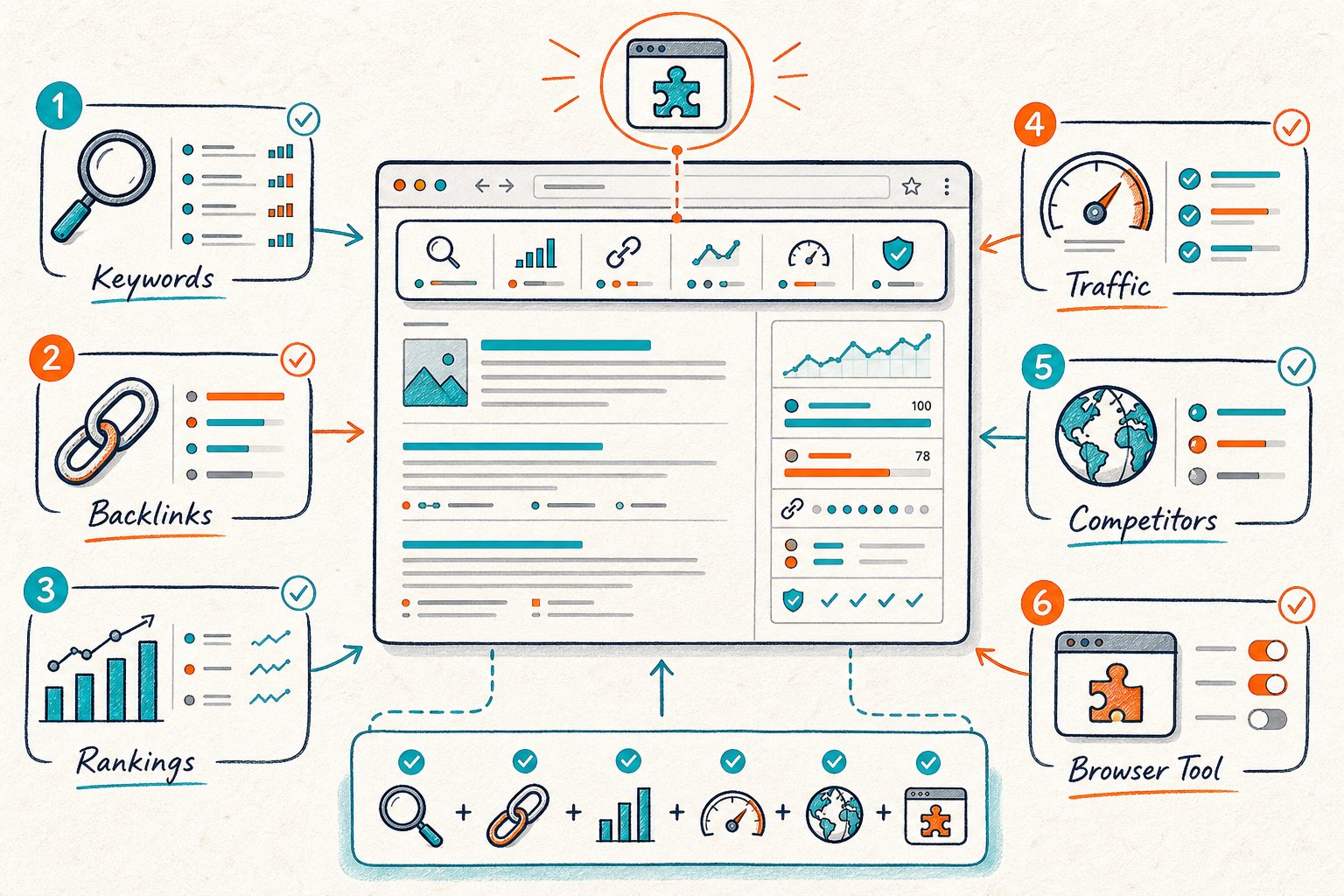
Picking the best tool depends on how it fits your workflow. Start with intent and Search Console performance, audit the live URL, check out a competitor, make a change, and then measure what happens.
1) Check Page SEO
Primary use case: Live, page-level audits for whatever URL you’re looking at, including staging pages, CMS previews, and even those pesky client logins.
Check Page SEO shines when you want a real-time diagnosis without sending your URL to a remote crawler. You can peek at headings, metadata, canonicals, robots tags, links, images, schema, and technical signals from the rendered page itself.
For sites you own, it’ll show Google Search Console clicks, impressions, CTR, average position, and ranking queries right next to your audit findings. You can even size up a competitor’s URL to spot gaps in headings, topics, media, links, and content depth.
Just remember, its score is a prioritization guide, not a magic Google ranking button. Use what you find to build a solid hypothesis, such as tightening up your H2s or fixing a rogue noindex tag. You can install the live on-page SEO auditor for free, with premium actions using credits.
2) Detailed SEO Extension
Primary use case: Quick checks of on-page SEO basics during content QA or development.
Detailed SEO Extension gives you a tidy view of titles, meta descriptions, headings, canonicals, robots tags, structured data, links, images, and page info. It’s handy for making sure a deployment didn’t break your critical markup.
Use it after reviewing intent and before you hit publish. For example, double-check if your H1 fits the page’s purpose, if the canonical is right, or if your FAQ markup actually shows up.
To be fair, it’s not the deepest tool out there. You won’t get Search Console data, competitor gap analysis, or a priority model. It’s a lightweight inspector, best used alongside a bigger audit tool when you need to turn findings into action.
3) SEO Minion
Primary use case: SERP checks, on-page peeks, and broken-link spot checks.
SEO Minion comes in handy when you want to validate a page while scoping out Google results. Its SERP preview can help you spot title rewrites, different page formats, and intent patterns before you rewrite your own stuff.
For live URLs, use its analysis to check headings, images, links, and metadata. The broken-link checker is a lifesaver during content refreshes, especially for older pages loaded with external links.
It’s not a full diagnostic suite, though. SEO Minion won’t connect your changes to Search Console data, and competitor analysis is more “quick glance” than deep dive. Treat it as a quick validation tool, not your main decision-maker.
4) SEOquake
Primary use case: Fast SERP overlays and page-level metric checks across lots of URLs.
SEOquake’s been a browser staple for ages because it puts SEO data right in your search results and browser panels. You get instant views of page titles, headings, links, canonicals, robots info, and some third-party metrics.
It’s great for competitor recon. When you search a target query, look past just the numbers. Notice which pages actually answer the intent, what content types are ranking, and whether local, video, shopping, or forum results are taking over the SERP.
The catch? Those third-party metrics are just for comparison. They’re not ranking factors you can tweak directly. And if you just want a quick QA, the interface can feel a bit busy.
5) Meta SEO Inspector
Primary use case: Deep dives into metadata and structured data during development or QA.
Meta SEO Inspector is your friend when you need to check tags that are easy to miss. You can review meta robots, canonicals, hreflang, Open Graph, Twitter Cards, JSON-LD, and all the page metadata you might otherwise overlook.
It’s perfect when you’re dealing with indexation or sharing issues. Need to know if JavaScript injected the right canonical? Wondering if hreflang values are valid? Or if your product page has the right schema? This is your tool.
On the flip side, it doesn’t do much for content or performance context. It won’t help with intent, competitor gaps, or user signals. Still, keep it in your technical QA toolkit, especially if you wrangle international sites or complex CMS setups.
6) SEO Pro Extension
Primary use case: Broad technical inspection of a rendered page, all in one go.
SEO Pro Extension gives you a hefty checklist: metadata, headings, links, images, schema, social tags, and technical directives. It’s perfect for a fast scan over a dev build or a page hiding behind a login.
Use it to catch mistakes before they hit production. Check status responses, look for missing alt text, review heading order, and make sure no accidental robots tags are blocking your page.
But heads up, it doesn’t prioritize fixes for you. You’ll get a long list, but you still have to connect each issue to intent, queries, risk, and actual results in Search Console.
7) Redirect Path
Primary use case: Redirect chains, HTTP headers, canonical, and robots troubleshooting.
Redirect Path is the tool you want when you’re dealing with URL migrations, redirect changes, or indexation mysteries. It shows redirect hops and lets you inspect response headers, canonicals, and robots tags at a glance.
Use it before and after making redirect changes. Spot unnecessary chains, temporary redirects used where they shouldn’t be, conflicting canonicals, or URLs that still show up in internal links or sitemaps.
Its scope is pretty focused. Redirect Path won’t tell you about content relevance or competitor gaps. It’s best for the crawlability stage. If you’re changing URLs with real traffic or links, treat the job as high risk and benchmark before you launch.
8) Google Lighthouse
Primary use case: Performance, accessibility, best-practice, and basic SEO audits.
Google Lighthouse is your go-to when slow loads, JavaScript bloat, or accessibility gremlins are hurting your page. Run it in Chrome DevTools to get lab data on Largest Contentful Paint, Interaction to Next Paint, layout shift, blocking resources, and image delivery.
Use Lighthouse after you’re sure the page is indexable and relevant. Performance fixes can cost time and money, so start with clear technical culprits like giant hero images, unused JavaScript, or weak caching.
To be fair, lab results aren’t the same as real user experience. Pair Lighthouse with field data from Search Console or Chrome UX Report. And remember, a high Lighthouse score doesn’t mean your page actually satisfies the query better than the competition.
9) MozBar
Primary use case: Quick link and authority checks while scoping out SERPs and competitor pages.
MozBar is still handy for a fast look at Page Authority, Domain Authority, link metrics, and page attributes. It helps you decide which competitor URLs are worth a closer look, especially when you’re up against big brands or niche specialists.
Use it early, just to pick your competitors. Choose one or two pages that match your target query, format, audience, and location. Then dig into their headings, entities, proof points, internal links, and content layout.
But don’t get too hung up on third-party authority. Domain Authority is a Moz metric, not a Google ranking factor. Use it as a research nudge, alongside backlinks, brand presence, and the quality of the live page.
10) Similarweb Browser Extension
Primary use case: Quick traffic and audience context for competitor research.
Similarweb’s extension helps you estimate a competitor’s traffic patterns, engagement, referral channels, and audience interests. It’s great for figuring out if a competitor is a real search rival or just a big brand with tons of direct traffic.
Use it before you compare pages. A site with lots of estimated traffic might get visits from email, paid ads, or brand searches, not just organic. That way, you won’t copy the wrong strategies.
Just know that data is modeled, especially for smaller sites. For your own pages, stick with Search Console and analytics. For competitors, treat Similarweb as a rough guide, not gospel.
How To Choose An Ahrefs SEO Toolbar Alternative
Match The Tool To Your Page-Level Workflow
Pick the extension that matches your decision. Use a live-page auditor for rendered content, Redirect Path for response behavior, Lighthouse for performance, and a SERP tool for competitor scouting.
If you work on staging or behind logins, go for browser-based analysis. Cloud crawlers can’t access what they can’t see.
Check What’s Rendered, Not Just Source Code
Modern websites love building titles, headings, canonicals, schema, and content with JavaScript. Always check what the browser actually renders, not just the raw HTML.
Make sure your H1 is visible, main copy loads up front, internal links exist in the DOM, and schema is present after rendering. This is huge on React, Next.js, Shopify, and other client-rendered sites.
Separate What You Can See From Ranking Guesswork
You can observe titles, headings, indexability, structured data, Search Console impressions, CTR, clicks, and position. You can also compare backlinks and authority metrics.
Treat scores, traffic estimates, keyword density, and authority as helpful hints, not hard evidence. They’re good for prioritizing, but real decisions should come from your own data and results.
Pay Attention To Free Tiers, Credits, And Data Limits
Free extensions usually cover the basics. Paid stuff might unlock reports, competitor comparisons, API access, or bigger crawls.
Check how credits reset, if they expire, and what data you get for your own site versus competitors. For example, Check Page SEO gives 300 free monthly credits and uses credits for certain premium features, but core checks stay free. Pick your plan based on how much you audit, not just features.
A Defensible Live-URL Audit Workflow
Start With Intent And Search Console Data
Kick things off with your target query and the URL’s current Search Console stats. Log clicks, impressions, CTR, average position, ranking queries, date range, device type, and country.
Then check the SERP. Figure out if guides, category pages, products, local listings, videos, tools, or comparisons are what’s ranking. Make sure your page fits the bill before fussing with metadata.
Audit Crawlability, Relevance, Trust, And Performance
First, check status codes, redirects, canonicals, robots tags, sitemap inclusion, and indexability. If search engines can’t see your page, all the content in the world won’t help.
Next, look at rendered headings, entities, visible copy, internal links, schema, author/company info, trust signals, images, and performance. Fix the big technical issues before you start tweaking keywords.
Compare With One Relevant Competitor
Pick one competitor that ranks for the same intent, serves a similar audience, and uses a similar page type. Don’t copy every result in the top 10. Mixed SERPs often have different types of pages.
Compare their headings, supporting evidence, entities, main content word count, media, internal links, FAQs, and calls to action. Look for what’s missing, not just words to cram into your content.
Prioritize By Impact, Risk, And Testability
Focus on changes that clearly solve a problem. Missing canonicals, noindex tags, weak H1s, absent proof, or ignored subtopics are easier to justify than chasing a tiny tool score bump.
Write each task as a testable hypothesis. For example: “Adding a comparison table and a pricing explanation will better satisfy commercial visitors searching for this software category.” Assign someone to own it, set a release date, and pick a measurement window.
Measure Equivalent Pre- And Post-Change Periods
Once you’ve rolled out your changes, hold your horses and let some data trickle in. You want to wait long enough to smooth out those wild daily swings.
When you’re ready, always compare equal stretches of time. Match up days of the week, too, since traffic on a sleepy Sunday can look nothing like a manic Monday.
Pop open Search Console and check the same URL and query group from before and after your tweak. Look at impressions, CTR, clicks, and average position as a team.
If your CTR jumps but impressions don’t budge, congrats, your title probably got catchier. On the flip side, if impressions go up but clicks lag behind, your snippet or the page’s intent might still need some love.



