
To find hreflang tags on a page, inspect its HTML head, XML sitemap, or HTTP response headers, then verify that every language version links back correctly.
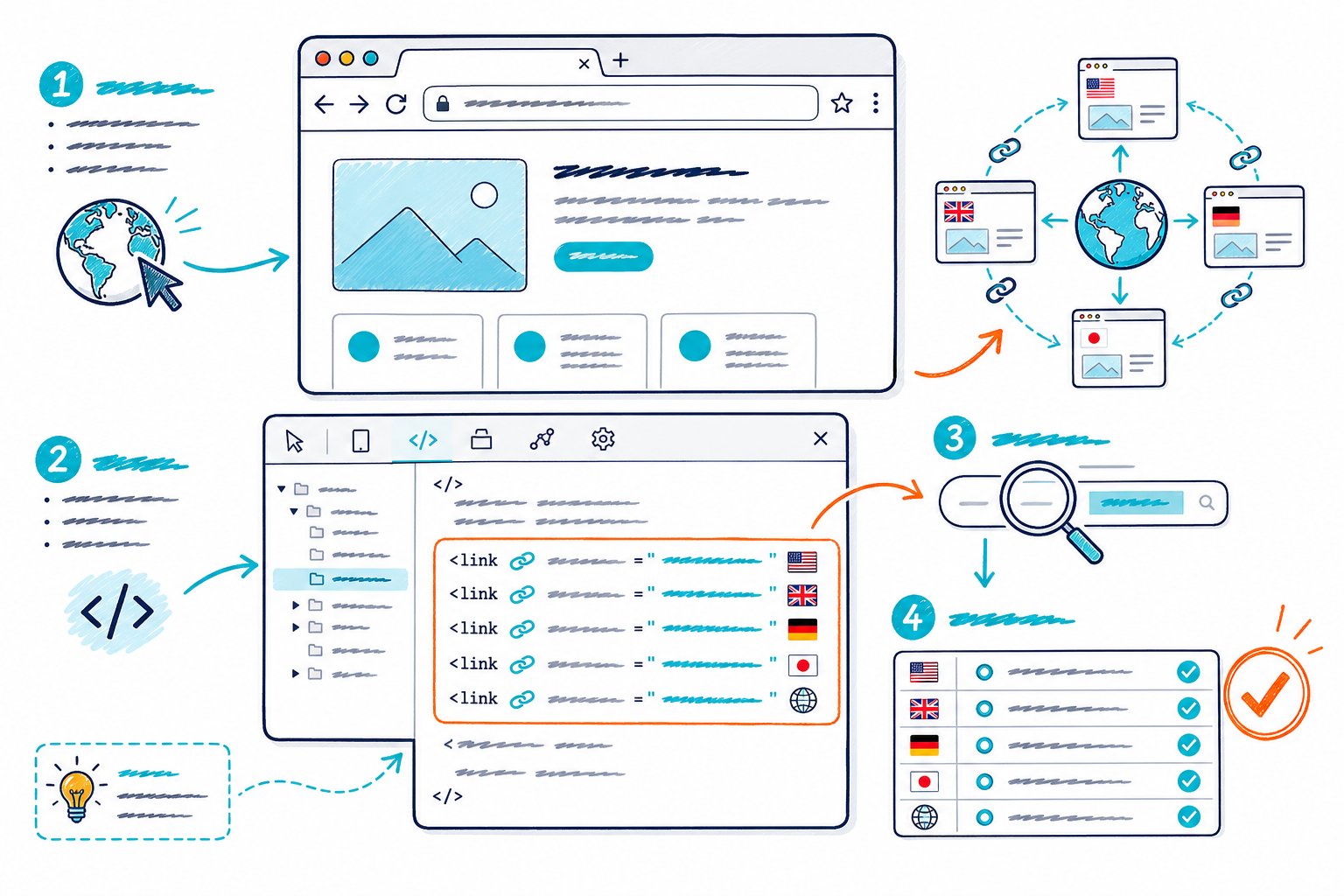
Hreflang helps search engines match your English, French, German, or regional page with the right audience. For the clearest picture, check the live page first, then follow each alternate URL through the full hreflang cluster.
Where Hreflang Annotations Can Appear
Hreflang annotations can appear in one of three places: the HTML <head>, an XML sitemap, or HTTP headers. Your implementation should use one method consistently and point to absolute URLs.
Inspect the HTML Head With Browser Developer Tools
Open the page, right-click, and select View Page Source or Inspect. Then search for hreflang with Ctrl+F on Windows or Cmd+F on Mac.
You are looking for link elements like this:
<link rel="alternate" hreflang="en-us" href="https://example.com/us/page/" /> Browser developer tools are handy when you need to confirm what the rendered HTML contains. For a quicker live-page review, Check Page SEO checks technical SEO signals, including canonicals, indexability, and hreflang-related metadata, while you browse.
Check XML Sitemap Entries for Alternate URLs
Your XML sitemap can declare hreflang annotations when adding link elements to every page head would be difficult. Look for <xhtml:link> entries inside each <url> block.
<xhtml:link rel="alternate" hreflang="en-gb" href="https://example.com/uk/page/" /> Each XML sitemap entry needs the full alternate set, including the current URL. Partial sets create broken language-targeting signals, so this is one place where cutting corners can come back to bite you.
Review HTTP Headers for Non-HTML Files
HTTP headers support hreflang for non-HTML files such as PDFs. Run a header check with your browser’s Network panel or a command-line request, then look for a Link header containing rel="alternate" and an hreflang attribute.
Link: <https://example.com/fr/file.pdf>; rel="alternate"; hreflang="fr" Use this method when your document cannot contain HTML link elements.
Recognize the Required Link Elements and Attributes
Each annotation needs rel="alternate", an hreflang attribute, and a destination URL. The language tag identifies the audience, while the href identifies the exact alternate page.
Use absolute URLs, and keep the protocol, hostname, trailing slash, and path consistent. Tracking parameters such as utm_, gclid, and fbclid should stay out of hreflang URLs.
How to Validate the Hreflang Set After Discovery
A valid hreflang set uses correct language codes, self-references, reciprocal return tags, indexable URLs, and aligned canonical tags. Check the cluster as a group because one broken URL can disrupt language targeting.
Check Language and Region Code Formats
Use ISO 639-1 language codes with an optional ISO 3166-1 alpha-2 country code. Write the language first, then the country, separated by a hyphen.
Examples include:
en-usfor English in the United Statesen-gbfor English in the United Kingdompt-brfor Portuguese in Brazilpt-ptfor Portuguese in Portugalfrfor Frenchdefor German
Avoid invented region codes or country-only values such as us. Search engines need a valid language code.
Confirm Self-References and Reciprocal Return Tags
Every URL in the hreflang cluster needs a self-referencing hreflang entry. Your U.S. page should include its own en-us URL alongside all alternate language and region versions.
Each linked page must also return the link. If your English URL points to a German URL, the German page needs a matching link back to the English URL. These reciprocal hreflang return tags are a frequent audit failure on large multilingual websites.
Review Canonical and Indexability Alignment
Each translated page should use a self-referencing canonical URL that matches the URL declared in its hreflang annotation. A canonical URL pointing to another language version sends a conflicting canonicalization signal.
Check that every alternate URL returns a successful status code and allows indexing. A noindex directive, redirect, blocked page, or canonical mismatch weakens the cluster and can leave the wrong version visible in Google Search.
Test x-default and Language Variations
Use x-default for a language selector, global homepage, or fallback page intended for visitors without a matching language or region. It should point to a real, indexable URL that serves as your default experience.
<link rel="alternate" hreflang="x-default" href="https://example.com/" /> Keep language targeting specific where content differs. If you have separate English pages for the United States and United Kingdom, use en-us and en-gb. If the page serves all English readers equally, use en.
Audit Errors With Crawlers and Google Search Console
Run a site audit to catch invalid language codes, missing self-referencing hreflang, broken return tags, redirects, and canonical conflicts across every translated page. Screaming Frog can check hreflang declared through HTML link elements, HTTP headers, or XML sitemaps.
Use Google Search Console URL Inspection to confirm that Google can crawl and index each canonical URL. When comparing localized pages, pair that review with an audit of competitor meta tags and heading structures. Language targeting works best when each version also lines up with its local search intent.



